Compare PDF
Compare the text in two PDFs and see what was removed or added, page by page.
or drag and drop here · Ctrl+V to paste
Processing…
Processed on your device. Your files aren't uploaded to any server.
How to use: Compare PDF
- Select 2 PDFs: the original first, then the new version.
- Choose to compare page by page or the entire document.
- Click Compare PDFs, review the highlighted differences, and download the report.
About this tool
Reviewing a new version of a contract, notice, or proposal by eye is slow and risky. Compare PDFs to see exactly which lines changed, so you can focus on what matters.
Frequently asked questions
What does it compare?
The text on each page, line by line. Visual changes (colors, images, exact positioning) won't show up. To compare those, convert the pages to images with PDF to JPG.
When should I compare the entire document?
Use this when an inserted paragraph has pushed the rest of the text onto later pages. Comparing page by page would make everything look different, but comparing the entire document shows only the insertion.
Does it work with scanned PDFs?
Only if the PDF contains text. For scanned documents, run each file through PDF OCR first.
Are my contracts uploaded to a server?
No. Your files are read and compared in your browser and never leave your device.
Are my files uploaded to a server?
No. This tool runs entirely in your browser: your file is read and processed on your device, and not a single byte is sent over the internet. You can even disconnect from the internet after the page loads.
Is it really free? Is there a daily limit?
It's free with no daily limits. Processing happens on your device, so there's no per-use cost and no need to limit you.
Does it work on phones?
Yes. The site works in any modern browser on Android, iPhone, Windows, Mac, and Linux—no installation needed.
Related tools
 Compare Texts
Find the differences between two texts, line by line or word by word, with color highlights.
PDF to Text
Extract all the text from a PDF to copy or save as a .txt file.
OCR PDF
Recognize text in scanned PDFs and create searchable PDFs.
Compare Texts
Find the differences between two texts, line by line or word by word, with color highlights.
PDF to Text
Extract all the text from a PDF to copy or save as a .txt file.
OCR PDF
Recognize text in scanned PDFs and create searchable PDFs.
 Edit PDF metadata
Change the title, author, subject, and keywords, or remove them all.
Edit PDF metadata
Change the title, author, subject, and keywords, or remove them all.
 Merge PDF
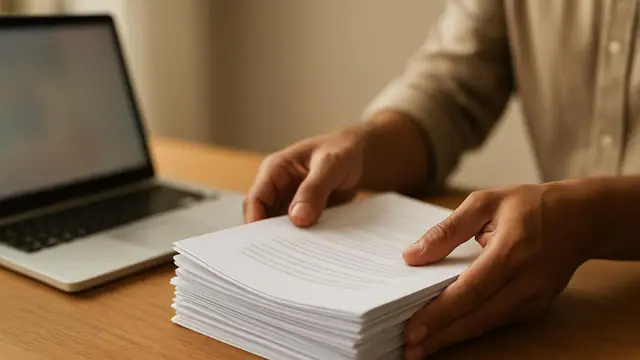
Combine multiple PDF files into one, in any order you choose.
Merge PDF
Combine multiple PDF files into one, in any order you choose.
 Split PDF
Split a PDF into multiple files by page range or one page at a time.
Organize PDF
Reorder, rotate, and delete pages by dragging thumbnails.
Split PDF
Split a PDF into multiple files by page range or one page at a time.
Organize PDF
Reorder, rotate, and delete pages by dragging thumbnails.
 Compress PDF
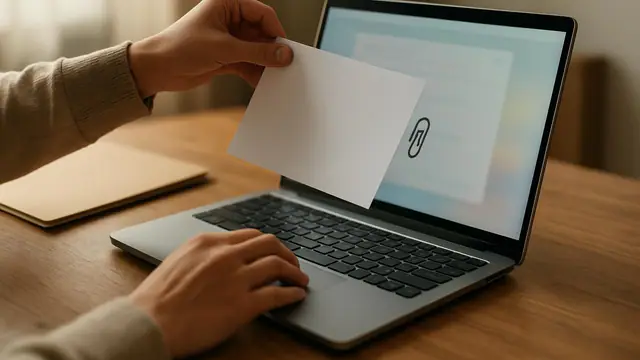
Reduce your PDF file size while keeping it easy to read.
Compress PDF
Reduce your PDF file size while keeping it easy to read.