Online Voice Recorder
Record audio from your microphone, listen right away, and download as MP3 or WebM—no installation needed.
Use an up-to-date version of Chrome, Edge, Firefox, or Safari.
Click Record and allow microphone access.
Microphone options
Processed on your device. Nothing you type is sent anywhere.
How to use: Online Voice Recorder
- Click Record and allow microphone access.
- Speak normally. Click Pause and Resume if needed.
- Click Stop, listen to your recording, and download it as MP3 or in its original format.
About this tool
Audio is recorded in Opus (WebM or OGG), a high-quality format that keeps file sizes small. Click Download MP3 to convert the recording right in your browser, so it plays on any device.
Frequently asked questions
Is my recording uploaded to a server?
No. Your recording is made in your browser and stays in your device's memory until you download it. If you close the page without downloading, it's deleted.
Can I choose which microphone to use?
Yes. Under "Microphone options," choose a device (headset, webcam, or audio interface), then turn noise and echo reduction on or off.
Does it work on iPhone?
Yes, in the latest version of Safari. Keep your screen on while recording: iOS may stop microphone access when the screen is locked.
Is it really free? Is there a daily limit?
It's free with no daily limits. Processing happens on your device, so there's no per-use cost and no need to limit you.
Does it work on phones?
Yes. The site works in any modern browser on Android, iPhone, Windows, Mac, and Linux—no installation needed.
Related tools
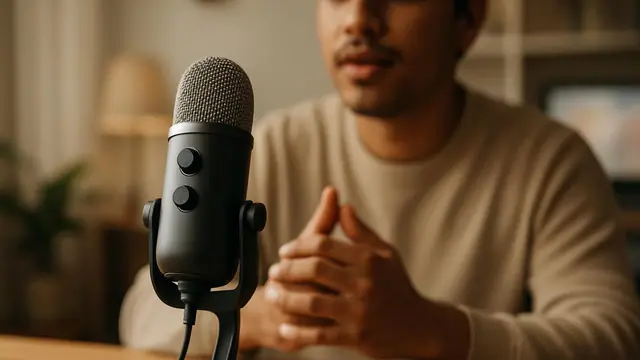 Microphone test
Check if your microphone is working with a live audio level, a 5-second recording, and troubleshooting tips.
Transcribe audio to text
Turn speech into text with AI in your browser—audio, video, and meetings.
Microphone test
Check if your microphone is working with a live audio level, a 5-second recording, and troubleshooting tips.
Transcribe audio to text
Turn speech into text with AI in your browser—audio, video, and meetings.
 Cut audio
Trim MP3, WAV, OGG, and M4A files to create ringtones, intro clips, and short audio clips.
Merge audio
Combine multiple audio files into one MP3 or WAV, in any order, with a smooth transition.
Cut audio
Trim MP3, WAV, OGG, and M4A files to create ringtones, intro clips, and short audio clips.
Merge audio
Combine multiple audio files into one MP3 or WAV, in any order, with a smooth transition.
 Transcribe WhatsApp audio
Read that long WhatsApp voice message as text—without listening to it or sending it to anyone.
Transcribe WhatsApp audio
Read that long WhatsApp voice message as text—without listening to it or sending it to anyone.
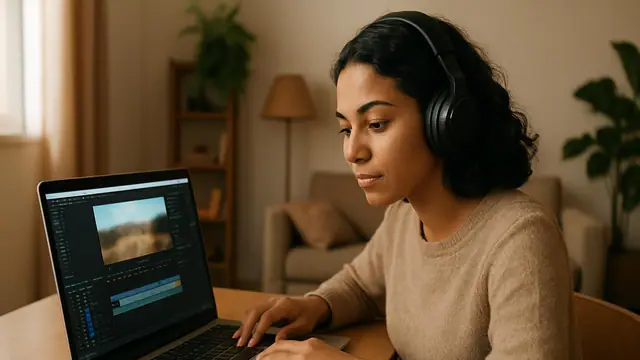 Trim video
Trim the beginning and end of MP4, MOV, and WEBM videos by selecting a section in the preview.
Trim video
Trim the beginning and end of MP4, MOV, and WEBM videos by selecting a section in the preview.
 Compress video
Reduce video file size to share on WhatsApp, by email, or on social media.
Compress video
Reduce video file size to share on WhatsApp, by email, or on social media.
 Video to MP3
Extract audio from any video to MP3.
Video to MP3
Extract audio from any video to MP3.